
Project Delivery
Review a feature through the complete user workflow
A feature review should follow the user’s task across screens, roles, and recovery steps. Discover how to expose broken handoffs that component demonstrations miss, while keeping the review focused enough to support a release decision.
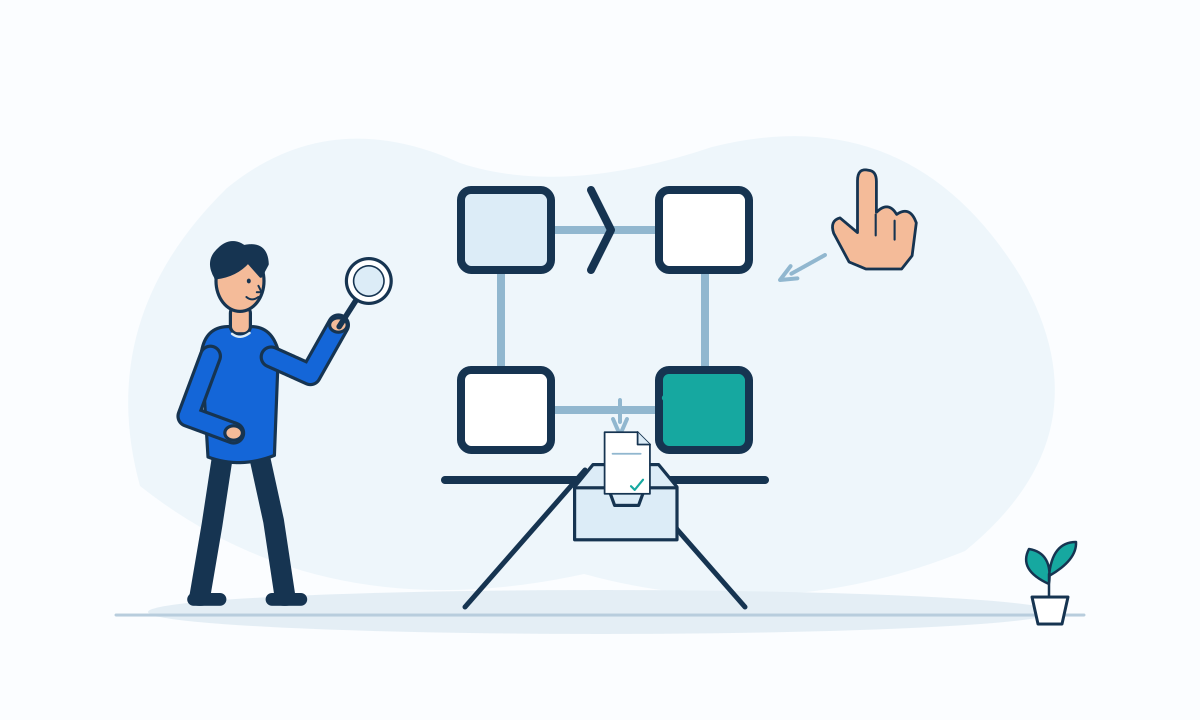
A successful screen demonstration does not prove that a customer can finish a task. The user may need an email, a second role, an external service, or a recovery step before the work is complete. Review the feature as a journey from a real starting condition to an observable business result. Use component detail only when it helps explain that journey.
Define where the task actually ends
Write a short scenario that names the actor, starting state, desired result, and evidence of completion. “Submit a request” may be only the middle of a workflow if an operator must approve it and the requester must receive confirmation. Include those handoffs in the review boundary.
For accessibility conformance, W3C’s complete-process requirement covers all pages in a multipage process at the specified level.[3] That is a specific accessibility rule, not proof of overall product quality. Our broader recommendation is to inspect the complete task rather than infer success from one compliant or attractive page.
Prepare a review that can reveal surprises
Use representative test data without exposing real customer information. Give reviewers the permissions of the intended roles, not an administrator account that bypasses restrictions. Confirm the starting state before the session, and identify which external connections are real, simulated, or unavailable.
Build a small scenario set that includes a normal outcome and a meaningful exception.
- Follow the task across every participating role and channel.
- Check confirmation, stored state, and the next person’s work queue.
- Try a missing input or denied action and inspect the explanation.
- Confirm a recovery route after interruption or failed submission.
- Label simulated integrations and untested paths in the decision record.
Hypothetical example: replacing a damaged item
In a hypothetical retail portal, a customer requests a replacement for a damaged item. The review starts with an eligible order, follows the customer’s evidence upload, moves to an operator’s approval queue, and returns to the customer’s confirmation. Reviewers also try an interrupted upload.
The request screen appears correct, but the operator cannot see the uploaded evidence. The team records an incomplete handoff rather than approving the feature because submission succeeded. If the delivery needs a temporary manual transfer, the business owner must explicitly accept its workload and access controls.
Turn findings into a bounded decision
Record whether each finding blocks the intended use, requires an accepted limitation, or belongs in later improvement work. Attach the observed behavior and expected outcome so the next conversation does not depend on someone’s memory of the demonstration.
A workflow review is a sample, not exhaustive testing. It cannot establish every performance, security, or accessibility property. Keep specialist checks separate and visible. For the next review, choose one important task and map its real endpoint first. Invite the people responsible for its handoffs, not only the people who built the screens.
