
Reliability and Operations
Prepare maintenance windows and customer communication
A maintenance window is a coordinated business change, not simply a quiet time to deploy. Define customer impact, decision authority, rollback limits, and update messages before agreeing when the work may proceed.
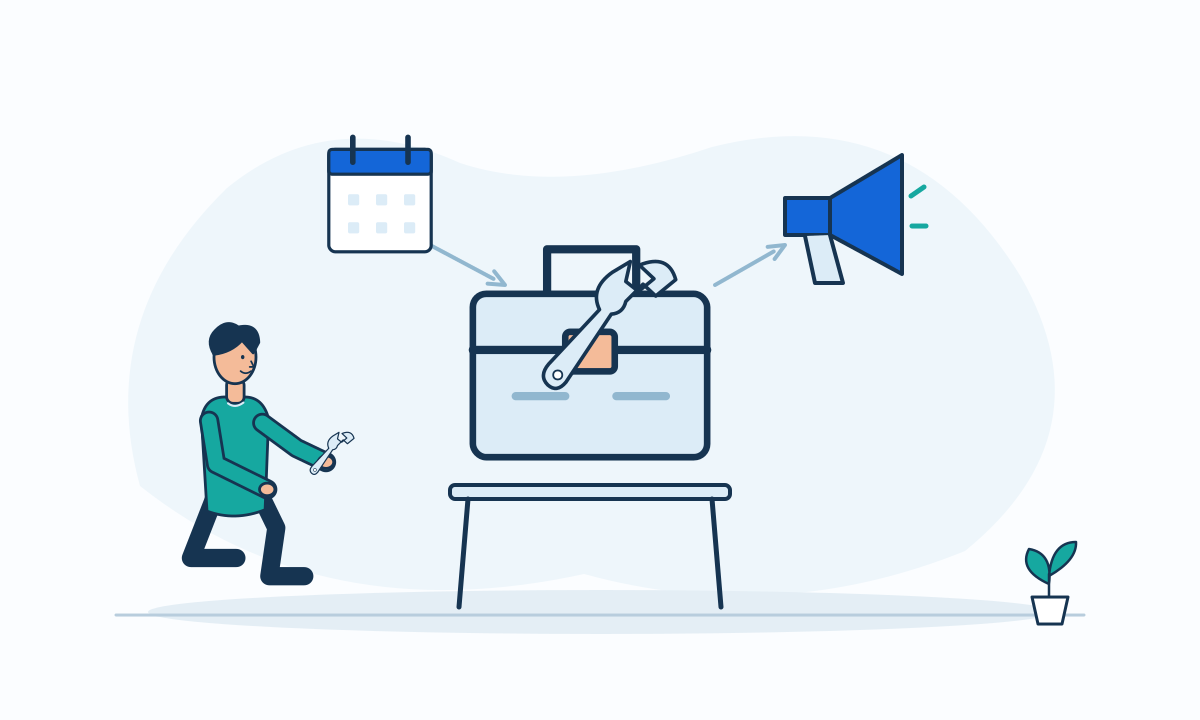
A technically convenient maintenance period may conflict with a customer’s essential work. Before agreeing a window, describe what will change, which functions may be unavailable, and what users should do differently. Keep the window distinct from a promise that the work will finish exactly on time. The plan needs a decision for success, delay, and an unsuccessful change.
Negotiate impact rather than an empty calendar slot
Ask the business owner about cutoffs, scheduled imports, external partners, and users in other time zones. Define whether the change blocks new work, interrupts existing work, or only reduces a secondary function. State which operations remain available, but do not infer that the whole service is unaffected.
Choose a window from those constraints and the team’s actual support coverage. If no acceptable period exists, reconsider the change approach or split its scope. A calendar invitation cannot resolve an unsupported operating assumption.
Give the go decision a named authority
Prepare entry criteria, verification steps, and an explicit point at which the team stops or changes direction. State which conditions require postponement. Review whether reversal is possible after data changes, rather than using rollback as an unexplained reassurance.
Google’s incident guidance separates operational work from communication responsibilities and assigns stakeholder updates to a communication role.[3] That separation also offers a useful model for planned maintenance. Recommend assigning those roles before the window so that engineers do not have to improvise ownership during a delay.
Prepare messages for more than success
Write a notice that explains affected functions, the expected window, the customer action if any, and where updates will appear. Make the time zone explicit in the actual notice. Prepare separate wording for a postponed start, extended impact, and completion awaiting validation.
Keep observed status separate from an estimate. A completion message should follow the agreed checks, not merely the end of a deployment task. Tell customers what is available again and whether any follow-up action remains. Avoid publishing technical details that do not help them decide what to do.
Use a readiness checklist before approval
Review this list with both the technical owner and the business representative.
- Confirm affected journeys and customer timing constraints.
- Name the go, stop, and communication decision owners.
- Verify entry criteria and realistic reversal limits.
- Prepare delay messages and a next-update commitment.
- Assign the person who validates service before closure.
Hypothetical example: a subscription renewal change
In this hypothetical example, a subscription service plans a change near a recurring billing run. The business review identifies the overlap and moves the maintenance proposal away from that processing boundary. The team prepares a delay notice and defines who can postpone the start.
A shorter window would reduce customer inconvenience but leave less room for validation. The team keeps that tradeoff visible rather than removing checks to fit the announcement. The example is a planning illustration, not a historical project or a guarantee of uninterrupted billing.
