
Data and Business Systems
Make business dashboards show ownership and next actions
A business dashboard should help someone act, not merely observe colored totals. Connect each signal to an accountable owner, an explainable population, a safe next action, and a visible freshness limit so teams know what to do.
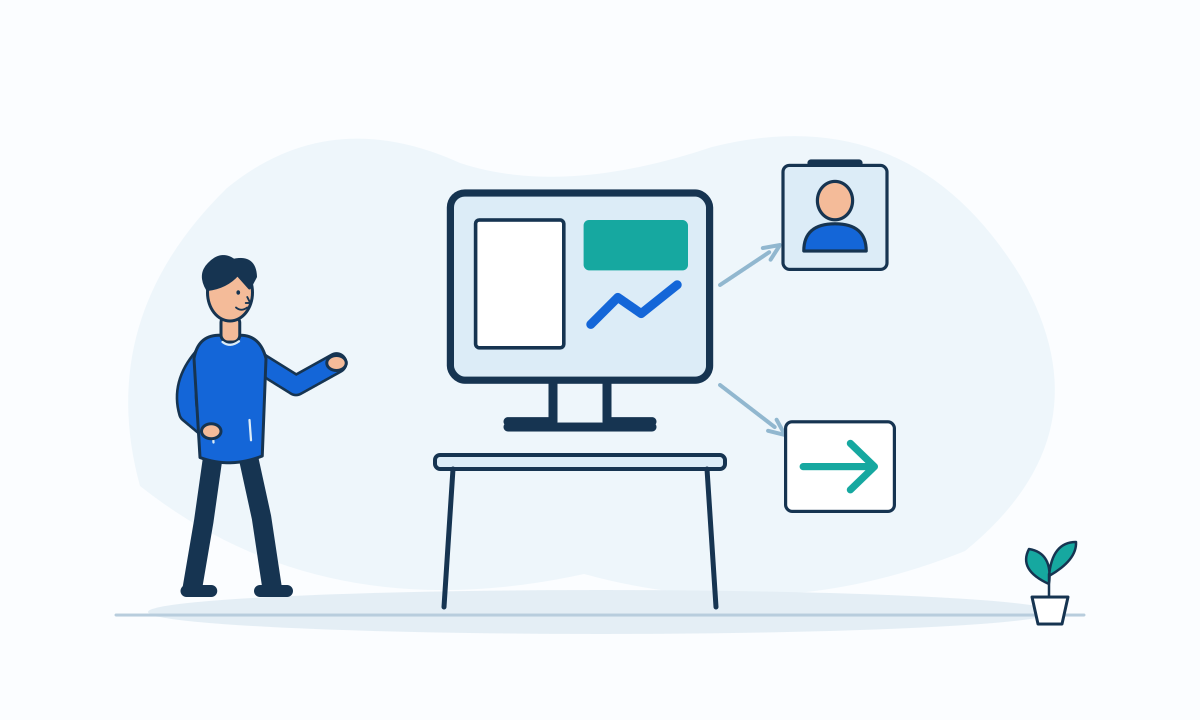
A dashboard can look informative while leaving every reader unsure who should respond. A red tile is not an operating process. Start with a concrete question: which person needs to decide what, using which records? Then design the signal, detail view, and action path together rather than adding buttons after the charts are complete.
Give each signal an operating owner
Separate the owner of the work from the owner of the measure. A coordinator may handle overdue requests while an analyst maintains the overdue definition. Show the queue responsibility and the escalation contact where users need them. An unassigned item should remain visibly unassigned rather than disappearing from personal views.
Write the expected response in plain terms. A signal may ask the owner to review, reassign, contact someone, or investigate a data problem. Avoid implying that every threshold needs automatic execution. Some signals should prompt judgment because the correct response depends on facts outside the dashboard.
Expose the records behind the number
Show the included population, relevant cutoff, and last successful refresh. Let users inspect contributing records with the same filters that produced the tile. Distinguish a genuine empty queue from stale or failed data. A zero should not silently mean that the source could not be reached.
If a measure depends on logged events, distinguish event time from logging time. OWASP explicitly identifies these as potentially different timestamps.[3] Recommend displaying the chosen business cutoff and documenting late-arriving events. This helps readers interpret a refreshed count without assuming all underlying work happened at refresh time.
Hypothetical example: an onboarding workbench
A hypothetical onboarding team tracks accounts waiting for document review. Each queue shows a responsible group, the oldest waiting item, and a link to the filtered records. The next action is to open an assigned review, not to mark the whole queue complete from the tile.
Items with missing ownership appear in a separate exception queue with a named coordinator. If the source refresh fails, the workbench shows the last successful snapshot and its limitation. This uses more screen space than a single total, but it makes the path from observation to responsibility explicit.
Keep actions within business authority
OWASP recommends checking permissions on every request.[4] A dashboard shortcut must enforce the same record and action rules as the underlying workflow. Recheck eligibility when the action runs because ownership or state may change after the dashboard loaded. Show a clear result when some selected records no longer qualify.
More detail can make a dashboard harder to scan. Prefer a few actionable signals over a wall of metrics. Test whether an operator can identify a problem, reach the right records, and complete the next permitted step. Keep analytical exploration separate when it serves a different audience or decision rhythm.
- Name the work owner and the measure owner.
- Link every signal to its contributing records.
- Show cutoff, refresh state, and stale-data behavior.
- Provide a queue for missing ownership.
- Verify action permissions and changed-record handling.
