
Security and Privacy
Review file uploads beyond the filename extension
A permitted filename is only one part of upload review. Define the business formats, isolate pending files, verify access at download, and agree what happens when scanning or document processing is unavailable.
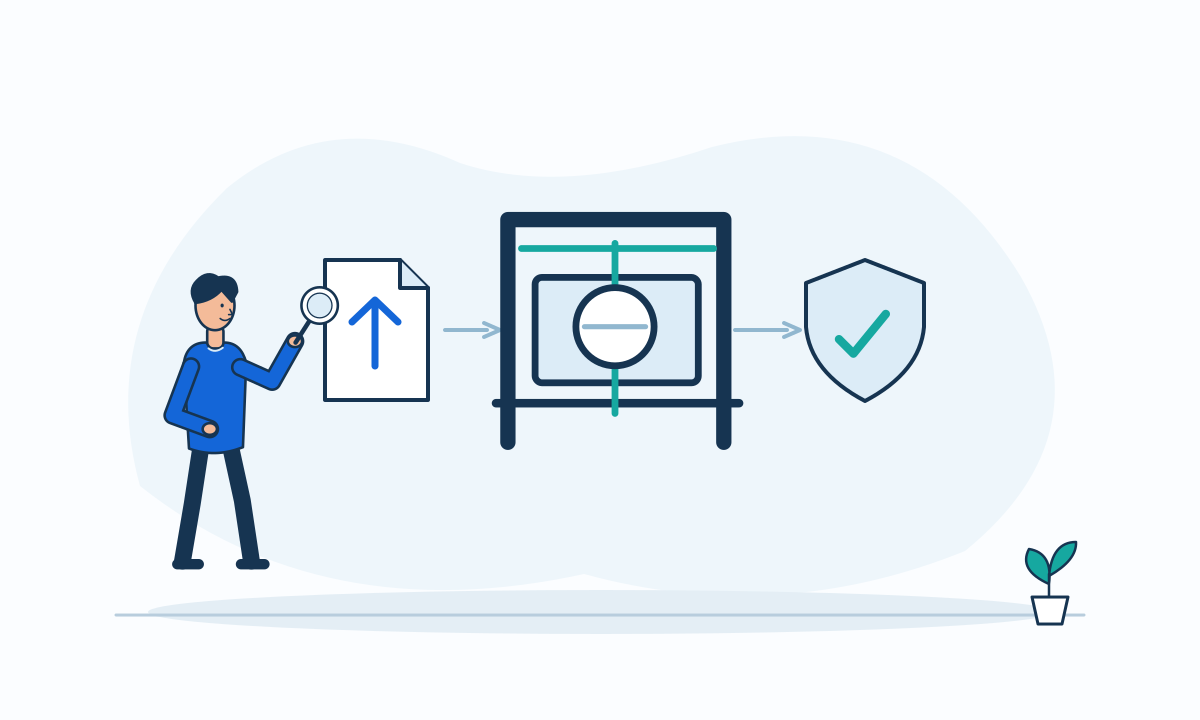
An upload feature moves unfamiliar content into a business workflow. A file may later reach document conversion, staff previews, downloads, or external sharing. Customers should review that entire path. A green check beside a filename extension says little about what the system does with the file afterward.
Limit formats to the actual task
OWASP recommends an allowlist of business-critical extensions, file type validation, application-generated filenames, and size limits.[4] Ask why each accepted format is necessary. A profile photo and an engineering drawing do not need the same policy.
The submitted Content-Type header comes from the user and cannot be trusted. OWASP also warns that file signature validation should not stand alone.[4] Require several checks suited to the accepted formats. Do not ask the team to promise that any single inspection proves a file harmless.
Separate receipt from availability
Recommend a pending state before staff or other customers can retrieve a newly received file. Document the transition to accepted, rejected, or review required. Agree who can override a rejection and what evidence that decision requires.
OWASP recommends storage on a different server or outside the webroot, plus antivirus or sandbox checks where available.[4] These are defense layers, not a complete design. Review access to the stored content, the processing service, and the download route separately. A private upload should not become public merely because processing succeeds.
Hypothetical example: a warranty claim
In a hypothetical appliance service, a customer submits a receipt and a product photograph. The system allows the agreed document and image formats, assigns storage names, and marks the files pending until checks complete. Service staff see the claim text while attachments remain unavailable.
If the scanner is unavailable, the claim remains received but its files do not enter ordinary preview. The customer sees a useful status and a support route. This is a proposed operating rule, not evidence that scanning eliminates malicious content.
Questions for upload acceptance
Ask for demonstrations with harmless test fixtures and an approved test environment. Include process failures, not only files that pass.
- Justify each format and maximum file size against the business task.
- Check extension, claimed type, and relevant content structure together.
- Keep pending files separate from ordinary preview and download.
- Authorize upload and retrieval for the correct customer or team.
- Define scanner outages, processing timeouts, rejection messages, and cleanup.
Acknowledge cost and false rejections
Content checks add latency and may reject legitimate files. Conversion can remove useful features or alter appearance. Let business owners choose acceptable formats and fallback procedures. Retain rejected content only under a defined policy. Approve the feature when the intake states and failure handling are clear, rather than when every file appears immediately. Include storage and processing owners in that final acceptance decision.
