
Engineering & operations
Safer releases: plan rollback before deployment
Define what can go wrong, rehearse recovery and verify business behavior before you call a release complete.
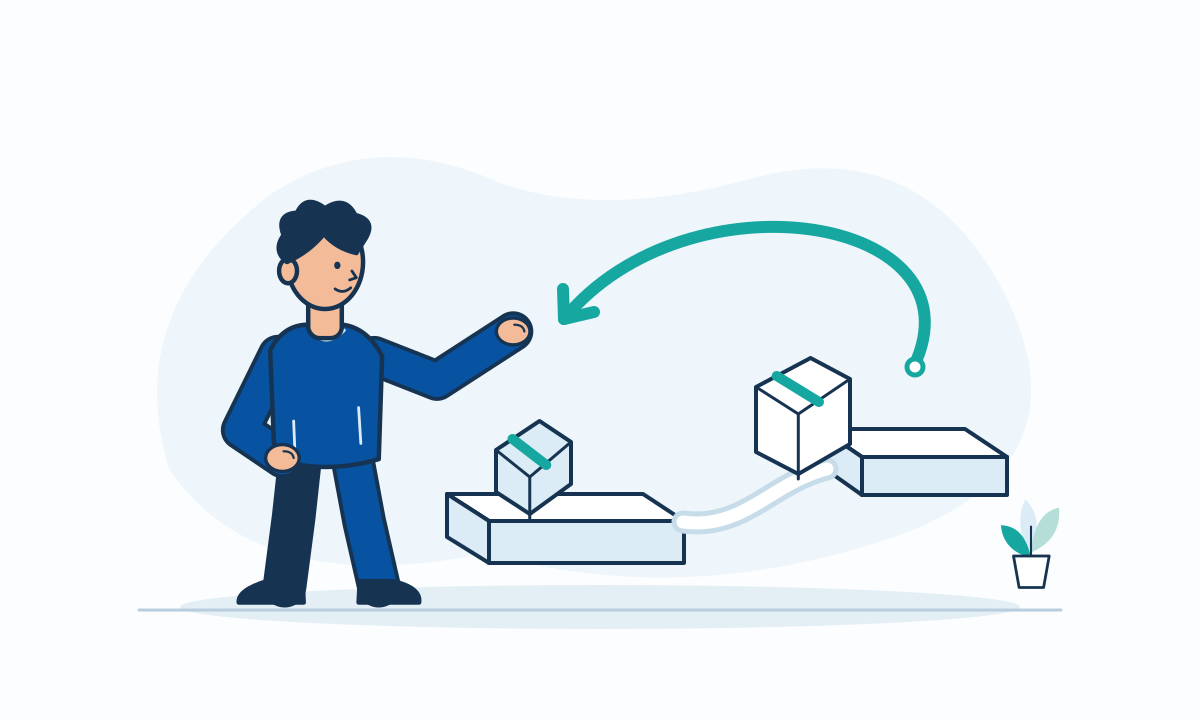
Define the release and its recovery path
A deployment can finish successfully while a business workflow fails. Before release, identify the affected user journeys and the signals that should stop the rollout. Give one person authority to make that decision.
Record the application version, configuration and dependencies in the release package. Keep the previous deployable artifact available. Google's SRE release engineering guidance emphasizes reproducible releases, staged rollout and the ability to roll back problematic features. Treat recovery as part of delivery, not a separate emergency task.
- Name the release owner and incident contact.
- Record the known-good version and recovery instructions.
- Agree on stop conditions before deployment begins.
Check whether rollback can actually work
Application rollback and data recovery are different actions. An older application may not understand a new database schema. Reverting code does not undo payments, messages or records already changed.
For a schema change, consider an additive migration that supports both versions. Delay destructive changes until the old version is no longer needed. Test compatibility with the previous application. For irreversible actions, define a reconciliation or forward-fix procedure. Verify backup restoration separately, and identify which writes a restoration could lose.
- Document schema and configuration compatibility.
- Rehearse the recovery procedure outside production.
- Assign an owner for data reconciliation and external effects.
Use a controlled release with useful checks
Build once and promote the tested artifact rather than rebuilding at each stage. Test the deployment process in a representative nonproduction environment. Verify permissions and configuration without exposing secrets in logs.
Where the architecture permits, release to a limited audience before expanding. Observe errors, latency and a business signal such as completed bookings. Choose observation periods that cover relevant traffic and background jobs. A feature flag can disable a feature, but it does not reverse a database change or external transaction.
- Run smoke tests for critical user journeys.
- Pause expansion when agreed signals breach their limits.
- Use an approved recovery path rather than improvised commands.
Verify recovery and close the release
If rollback becomes necessary, record the decision and follow the rehearsed procedure. Then verify the active version and repeat the business checks. Inspect queues, scheduled jobs and partial transactions. A successful rollback command alone does not prove that users can work again.
Close the release only after the agreed checks pass. Record unresolved issues and tell affected users what changed. Review failures without blame, then update tests and recovery instructions. No checklist guarantees an incident-free release, but explicit evidence makes the next decision clearer.
- Confirm service behavior, not only process status.
- Track partial work that needs repair.
- Keep a release record with evidence and follow-up owners.
